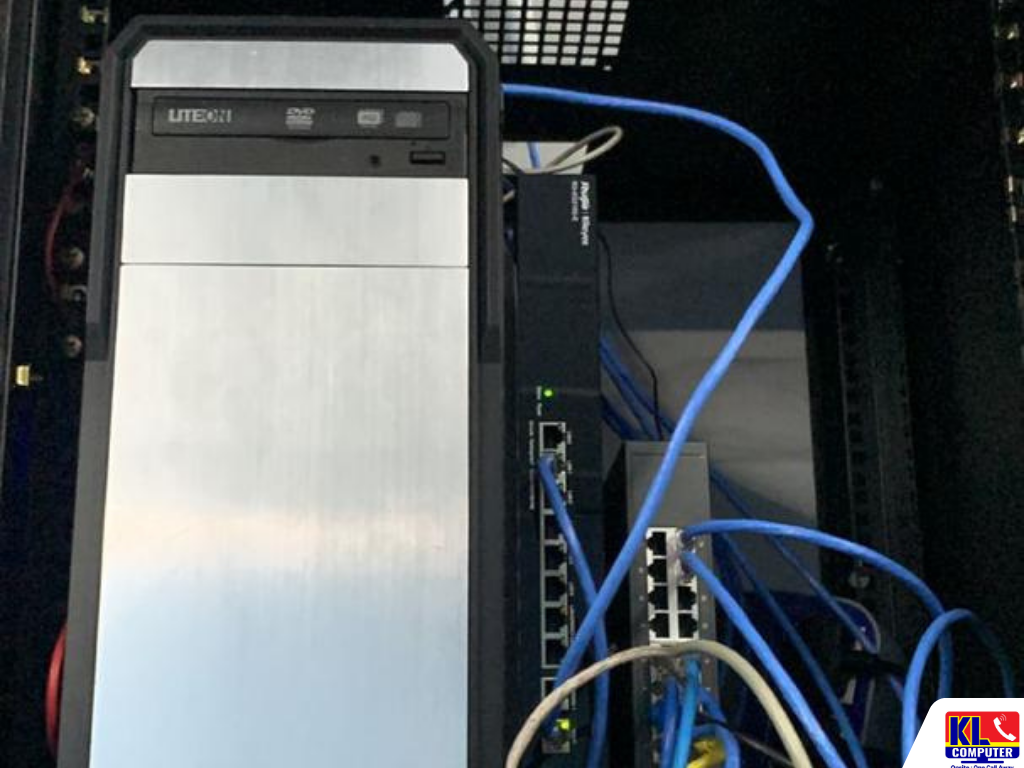
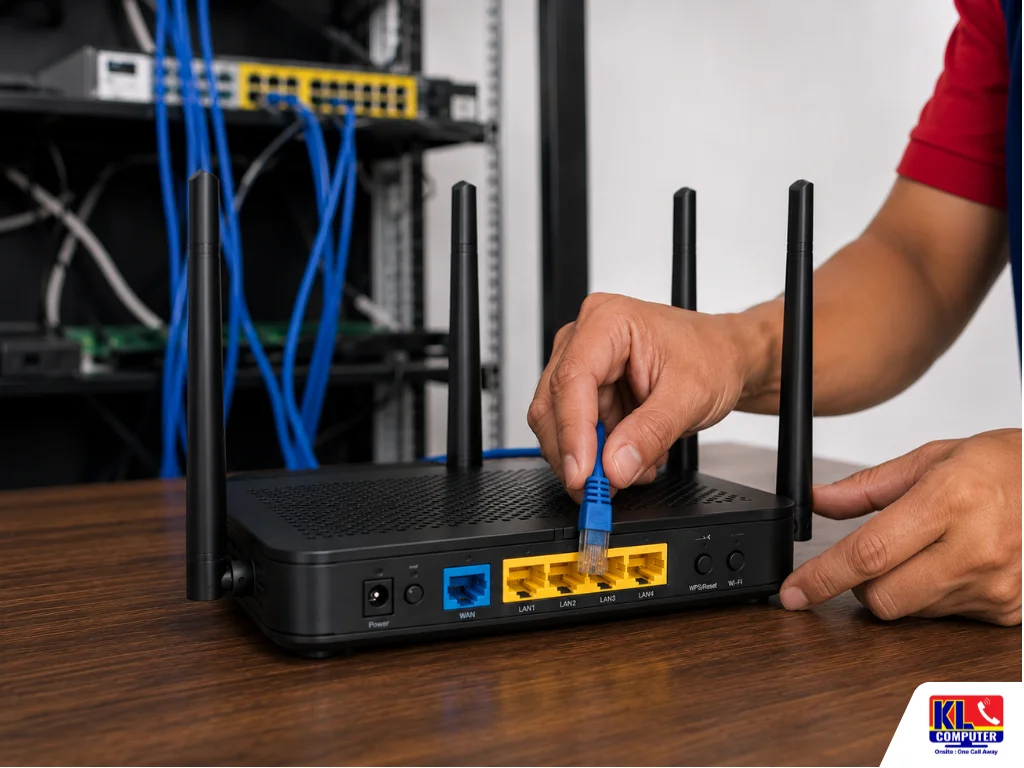
Slow Internet Despite a Strong Signal — What's Really Going On?
Full signal bars, router sitting right on the desk, yet pages still crawl and video calls still freeze. It's one of the most confusing office IT complaints — because everything on screen says the connection should be fine. A staff member restarts the router, the bars still show full strength, and the slowness returns within the hour.
The truth is, signal strength and internet speed are two different things. Signal strength only tells you how clearly a device can "hear" the router — it says nothing about how much bandwidth is actually available, how many devices are competing for it, or whether the problem sits upstream with the ISP line itself. A strong, clear connection to an overloaded or misconfigured router is still a slow connection.
Searching why is my office internet slow KL or strong wifi but slow internet fix mostly turns up generic troubleshooting guides or freelancers with no fixed address. KL Computer Sdn. Bhd. has been diagnosing and repairing office networks across Kuala Lumpur since 2012. Four permanent branches. 1,200+ verified Google reviews. One accountable, registered company.
If your office is dealing with wider connectivity issues beyond just speed, our network & WiFi setup service covers full redesigns, and our guide to office IT setup for SMEs is a useful starting point.
⚡ Same-Day Speed Diagnosis Available: For urgent office slowdowns across Kuala Lumpur and Selangor, our technicians can be dispatched the same day for on-site diagnosis. Contact us on WhatsApp with your location and a description of the issue to confirm availability.
The Diagnosis Walkthrough — Step by Step
Here is the same walkthrough our technicians run on-site, in the order we run it. Each step rules something specific in or out before moving to the next, so no part gets replaced or reconfigured without good reason.
Step 1: Test Direct to the Modem
Connect one device straight to the modem by cable, bypassing the router and WiFi entirely. If speeds are normal here, the ISP line is fine and the problem sits downstream.
Step 2: Check for Channel Congestion
Neighbouring offices or nearby buildings broadcasting on the same WiFi channel can slow everyone down. We scan for overlap and switch channels where needed.
Step 3: Count Connected Devices
Consumer routers are rated for a limited number of simultaneous connections. An office running well past that limit shares a shrinking pool of bandwidth per device.
Step 4: Identify Bandwidth-Heavy Devices
A single device running large downloads, cloud backups, or streaming in the background can quietly starve everyone else on the same network. See our network setup service.
| Service | Type | Typical Turnaround |
|---|---|---|
| On-Site Speed & Connectivity Diagnosis | On-site | Same visit |
| WiFi Channel & Interference Check | On-site | Same visit |
| Router / Access Point Reconfiguration | On-site | Same visit |
| Bandwidth Usage Audit | On-site / Remote | Same visit |
| Router Upgrade / Network Redesign | On-site | 1–2 days |
| Cloud Backup Scheduling (to reduce peak-hour load) | On-site / Remote | Same day |
| Full Office IT Setup (New Office) | On-site | 2–5 days |
| Managed IT & Ongoing Maintenance | On-site / Remote | Ongoing |
Areas We Cover in KL & Selangor
Our network technicians provide on-site IT support across Kuala Lumpur and Selangor. See our full service location coverage map. If your area is not listed below, WhatsApp us your postcode and we will confirm availability straight away.
Setapak
Wangsa Maju
Cheras
Pandan Jaya
Ampang
Pandan Indah
Jalan Klang Lama
Kuchai Lama
Bukit Jalil
Sri Petaling
Kepong
Jalan Ipoh
Mont Kiara
Bangsar
KL City Centre
Petaling Jaya
Subang Jaya
Shah Alam
Puchong
Sunway
Visit Our Branches
Prefer to walk in? All four KL Computer branches accept walk-ins during operating hours for network consultations and IT support. You can also reach us online to arrange an on-site visit to your office.
🏢 HQ
KL Computer Setapak
First Floor, 36-1, Jalan 2/23a, Taman Danau Kota, 53300 KL
Mon–Fri: 9am–8pm | Sat–Sun: 9am–7pm
📞 017-550 1914
📍 Branch
KL Computer Jalan Klang Lama
First Floor, 2-1, Jalan Indrahana 1, Off Jalan Kuchai Lama, 58200 KL
Mon–Fri: 9am–8pm | Sat–Sun: 10am–7pm
📞 018-944 1914
📍 Branch
KL Computer Cheras Pandan Jaya
First Floor, 34-1A, Jalan Pandan 2/1, Pandan Jaya, 55100 KL
Mon–Fri: 9am–7pm | Sat: 10am–7pm | Sun: Closed
📞 018-245 1914
📍 Branch
KL Computer Ampang Pandan Indah
First Floor, 13M, Jalan Pandan Indah 4/2, Ampang, 55100 KL
Mon–Fri: 9am–8pm | Sat–Sun: 10am–7pm
📞 018-405 1914Why KL Businesses Choose KL Computer for Network Diagnosis
- ✓Established Since 2012 — Over 13 years of consistent network diagnosis and IT support across Kuala Lumpur. Learn more about our company.
- ✓1,200+ Google Reviews — Verified feedback from real customers across all four branches. See our trusted IT support company profile.
- ✓Registered Sdn. Bhd. — Full Accountability — KL Computer Sdn. Bhd. (Reg: 1597032-M) — fully registered, insured, and corporate-compliant. You are dealing with a real, verifiable business — not an anonymous individual.
- ✓We Test the Full Path, Not Just the Signal Bars — ISP line, router, channel congestion, and connected devices are all tested before we conclude what's actually slowing you down.
- ✓Fixed Locations, Not Freelance — Four permanent KL branches means there is always someone to reach if you have a follow-up issue. See our service location map and our workshop gallery.
- ✓Same-Day Dispatch for Urgent Slowdowns — Most central KL and Selangor areas are covered same-day for urgent speed issues. WhatsApp us your location to confirm availability.
- ✓Full IT Under One Roof — Beyond network diagnosis, we also handle laptop repair, desktop repair, cloud backup & data recovery, and full managed IT services for SMEs.
Frequently Asked Questions
Have more questions? Visit our dedicated FAQ page for more answers, or see our related article on why your office WiFi might be slow.
My WiFi shows full bars but everything still loads slowly. Why? ▾
Signal strength only measures how clearly your device can hear the router — it says nothing about how much actual bandwidth is available or how congested the connection is. A full-bar connection can still be slow due to channel congestion, too many connected devices, ISP-side issues, or outdated equipment. Contact us for a proper on-site diagnosis.
How can I tell if the problem is my router or my internet provider? ▾
Run a speed test connected directly to the modem via cable, bypassing the router entirely. If speeds are normal on that direct connection but slow over WiFi, the router or its configuration is the likely cause. Our technicians run this test as standard during an on-site visit.
Can too many devices on WiFi actually slow down the whole office? ▾
Yes. Consumer-grade routers are often rated for a certain number of simultaneous connections. Once an office exceeds that, every device shares a shrinking pool of bandwidth even if the signal itself still looks strong on each device. See our network setup service for upgrade options.
Can you diagnose slow office internet on the same day? ▾
For most areas in KL and Selangor, same-day dispatch is available for speed and connectivity troubleshooting. WhatsApp us your location and describe the issue — we will confirm an estimated arrival time promptly. View our full service coverage map to confirm your area.
What areas in KL do you cover for on-site network support? ▾
We cover all major areas in Kuala Lumpur and most of Selangor, including Petaling Jaya, Subang Jaya, Shah Alam, Puchong, Cheras, Ampang, and more. View our full service location page, or WhatsApp us your postcode and we will confirm availability immediately.
Table Of Content
Featured Services
Talk To Us
Got an IT issue? Skip the form — just WhatsApp us directly. Describe your problem and we'll get back to you fast.
WhatsApp Us NowRecent Post