

Office Printer Down? Onsite Repair in KL/Klang Valley
A jammed printer during a client presentation, a toner error that won't clear no matter how many times you re-seat the cartridge, or a shared network printer that suddenly stops showing up on anyone's laptop. When the office printer goes down, work backs up fast, invoices don't go out, and someone ends up walking to the nearest print shop. Most of these faults don't need a brand-new machine, they need a technician who can actually see what's wrong.
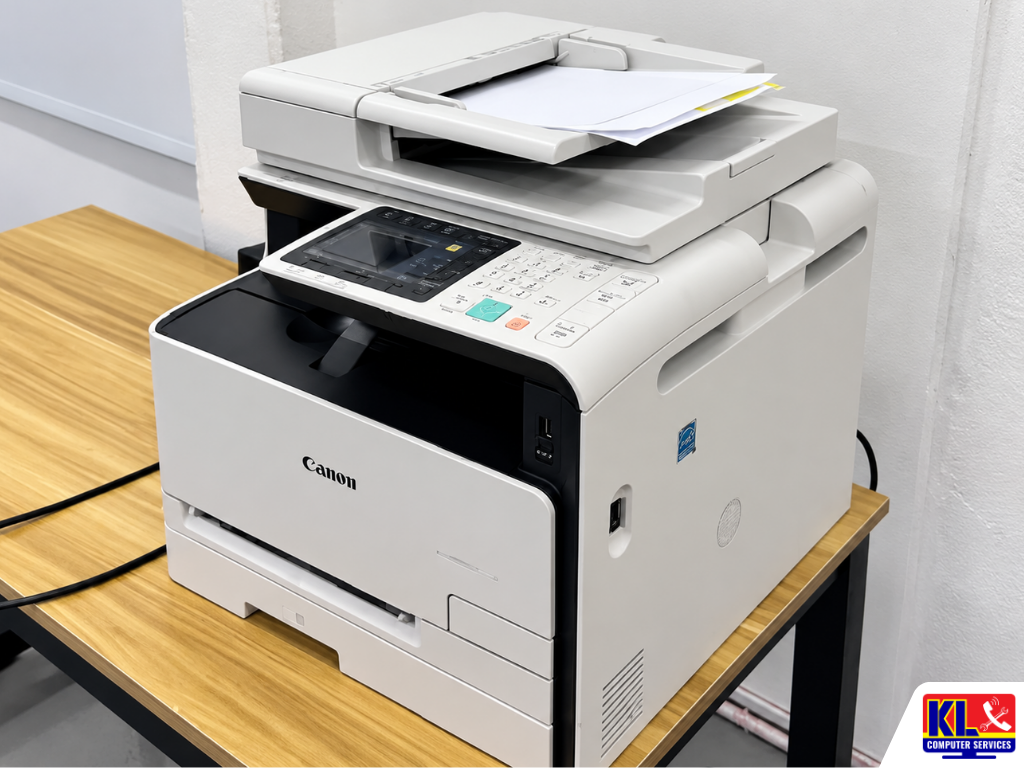
We send technicians onsite to offices across Kuala Lumpur and the Klang Valley for printer faults that can't be fixed over the phone. This covers everyday office machines from HP LaserJet and OfficeJet series, Canon imageRunner and PIXMA units, Epson EcoTank and WorkForce printers, Brother HL and MFC series, to shared Fuji Xerox and Ricoh office copiers. If it's a network printer, a desktop, or laptop causing the issue rather than the printer itself, see our business IT support services for the wider troubleshooting we cover.
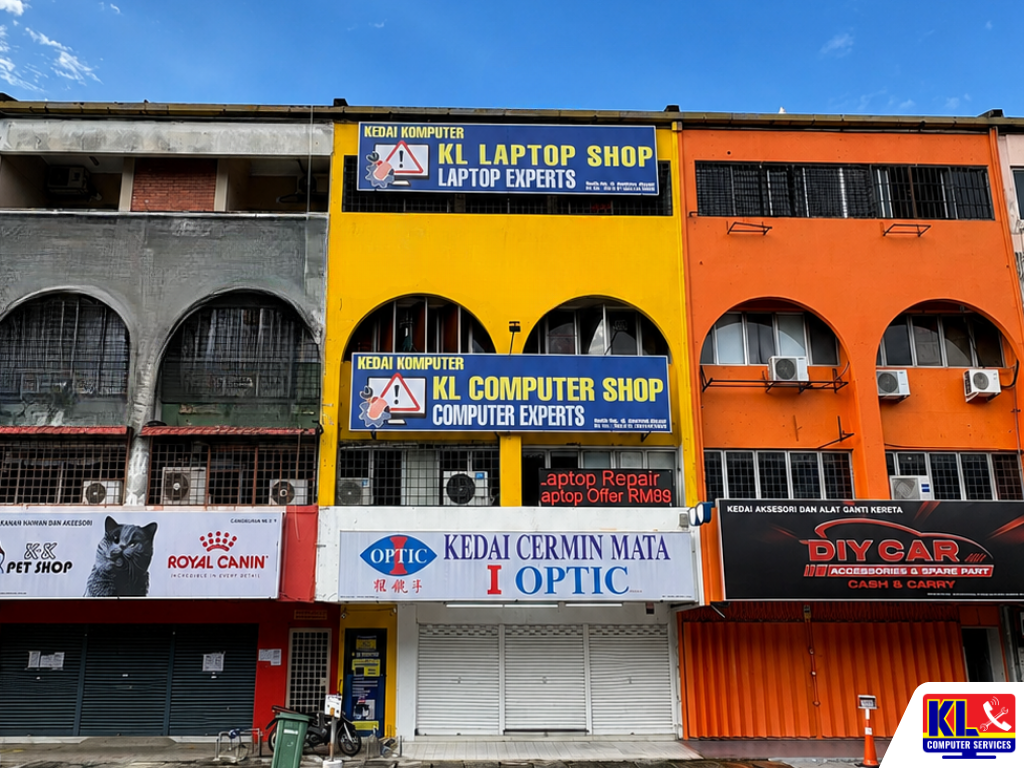
Searching printer repair KL or office printer technician Klang Valley usually surfaces vague "we fix all printers" listings with no fixed address to check. We're KL Computer, with four permanent branches across Kuala Lumpur and technicians who go onsite for office call-outs, not just a WhatsApp number.
🖨️ Same-Day Onsite Visits (subject to availability): Tell us the printer brand, model, and what's happening (error code, paper jam, no network connection) and we'll advise whether it's a same-day fix or needs a part. WhatsApp us to book a call-out.
Brands & Models We Service
We work on the printer and copier brands most KL offices actually use, whether it's a single desktop unit or a shared multifunction copier on the office floor.
- •HP — LaserJet Pro, LaserJet Enterprise, OfficeJet Pro series
- •Canon — imageRunner and imageCLASS copiers, PIXMA and MAXIFY printers
- •Epson — EcoTank and WorkForce series, L-series ink tank printers
- •Brother — HL laser series, MFC multifunction printers
- •Fuji Xerox & Ricoh — shared office copiers and ApeosPort multifunction units
Not seeing your model listed? Message us the exact model number and we'll confirm whether we can source parts for it before you book a visit.
Common Printer Problems We Fix
These are the call-outs our technicians handle most often across Klang Valley offices.
Recurring Paper Jams
From a single stuck sheet to jams that keep happening after every few pages, often caused by worn feed rollers or a misaligned tray.
Streaky, Faded, or Blank Prints
Lines across the page, patchy toner coverage, or pages coming out blank despite a full cartridge, usually a drum, fuser, or printhead issue.
Toner/Cartridge Error Codes
Chip not recognised, "replace cartridge" warnings with a new cartridge installed, or drum unit errors that won't clear after a reset.
Printer Not Detected on Network
Shared office printer that stopped showing up on staff laptops, WiFi printing that keeps dropping, or a new PC that can't be added to the shared queue.
Driver & Spooler Issues
Print jobs stuck in the queue, "print spooler service is not running" errors, or a printer working fine on one PC but not another after a Windows update.
Not Sure What's Wrong?
Send us a photo of the display panel or error code and we'll give you an initial read before booking a visit. See our data recovery service if the issue involves a connected PC instead.
How an Onsite Call-Out Works
- 1.Tell Us What's Happening. Share the printer brand, model, and the error code, sound, or symptom you're seeing, along with your office location.
- 2.Call-Out Scheduled. We confirm a visit window and the call-out fee upfront, so there's no surprise before the technician arrives.
- 3.Onsite Diagnostic & Quote. The technician inspects the machine at your office and quotes any parts or further repair before proceeding.
- 4.Repair or Workshop Pickup. Most faults are fixed on the spot. If a part needs to be sourced, the unit can be brought back to the branch and returned once repaired.
- 5.Test Print Before We Leave. We run test prints and confirm network/WiFi printing is working from staff devices before closing the job.
Areas We Cover Around KL & Klang Valley
Our four branches let us send technicians onsite across Kuala Lumpur without a long travel delay. If your office isn't listed below, WhatsApp us your location and we'll confirm coverage.
Setapak
Wangsa Maju
Cheras
Pandan Jaya / Pandan Indah
Ampang
Kuchai Lama
Bangsar
Bukit Bintang
Visit or Call a Branch
Call or WhatsApp any branch to book an onsite visit, or walk in if you'd rather drop the unit off yourself.
📍 Branch
KL Computer Services Setapak
First Floor, 36-1, Jalan 2/23A, Taman Danau Kota, 53300 Wilayah Persekutuan Kuala Lumpur
Mon–Fri: 9am–7.30pm | Sat–Sun: 9am–7pm
📞 016-501 1914
📍 Branch
KL Laptop Shop Cheras Pandan Jaya
First Floor, 34-1A, Jalan Pandan 2/1, Pandan Jaya, 55100 Kuala Lumpur
Mon–Fri: 9am–7pm | Sat: 10am–7pm | Sun: Closed
📞 018-245 1914
📍 Branch
KL Computer Shop Ampang Pandan Indah
First Floor, 13M Jalan Pandan Indah 4/2 Ampang, 55100 Wilayah Persekutuan Kuala Lumpur
Mon–Fri: 9am–7.30pm | Sat–Sun: 10am–7pm
📞 018-405 1914
📍 Branch
KL Computer Services Jalan Klang Lama
First Floor, 2-1 Jalan Indrahana 1, Off Jalan Kuchai Lama, Klang Lama, 58200 Wilayah Persekutuan Kuala Lumpur
Mon–Fri: 9am–7.30pm | Sat–Sun: 10am–7pm
📞 018-944 1914Why Offices Choose Us
- ✓12 Years Fixing Office Equipment. We've handled printer call-outs alongside general IT support for Klang Valley offices for over a decade. See our about us page for our background.
- ✓Quote Before Repair. You know the call-out fee and any parts cost before we start work, not after.
- ✓Network Printing Handled Properly. Since we also manage office networks day to day, we don't just clear the paper jam and leave, we make sure shared printing actually works after.
- ✓Four Fixed Branches. Not a one-man call-out service, with 1,200+ verified Google reviews across our locations you can check.
- ✓More Than Printers. We also handle desktop and computer repair, and phone repair through our sister brand klmobile.my.
Frequently Asked Questions
Have more questions? Visit our dedicated FAQ page, or see our related business IT services.
Do you come to our office, or do we need to bring the printer in? ▾
Both are possible. For most office call-outs a technician comes to you, and most faults are fixed onsite. If a part needs to be sourced, we may bring the unit back to the branch and return it once repaired.
Our printer shows a toner or drum error even with a new cartridge installed. What's wrong? ▾
This is usually a chip contact issue, a compatible cartridge the firmware doesn't recognise, or a drum unit that genuinely needs replacing. A technician can confirm which one it is onsite rather than guessing over the phone.
Our shared office printer disappeared from everyone's computer at once. Why? ▾
This is often a change on the network side, such as the printer's IP address changing, the router restarting, or the host PC sharing the printer going offline, rather than a fault in the printer itself. We check the network side as part of the visit.
Is it worth repairing an older printer, or should we just replace it? ▾
It depends on the fault and how the machine has been maintained. We'll tell you honestly during the diagnostic if a repair isn't worth it compared to replacement, rather than pushing a repair either way.
Can you set up a new printer for shared use across the office? ▾
Yes, we set up new printers for network or WiFi sharing across staff devices as part of our onsite visits, alongside repair work.
📞 Call / WhatsApp (Setapak HQ): 016-501 1914
📞 Call / WhatsApp (Cheras/Pandan Jaya): 018-245 1914
📍 Four branches across Kuala Lumpur: Setapak, Cheras (Pandan Jaya), Ampang (Pandan Indah), and Kuchai Lama
🕒 Mon–Sat, hours vary by branch, see individual branch cards above
Table Of Content
Featured Services
Talk To Us
Got an IT issue? Skip the form — just WhatsApp us directly. Describe your problem and we'll get back to you fast.
WhatsApp Us NowRecent Post