KL Computer

KL COMPUTER SDN.BHD

KL COMPUTER SDN.BHD

Affordable Yet Reliable Onsite Solutions

KL COMPUTER SDN.BHD

Affordable Yet Reliable Onsite Solutions

Author name: Aida Klcs

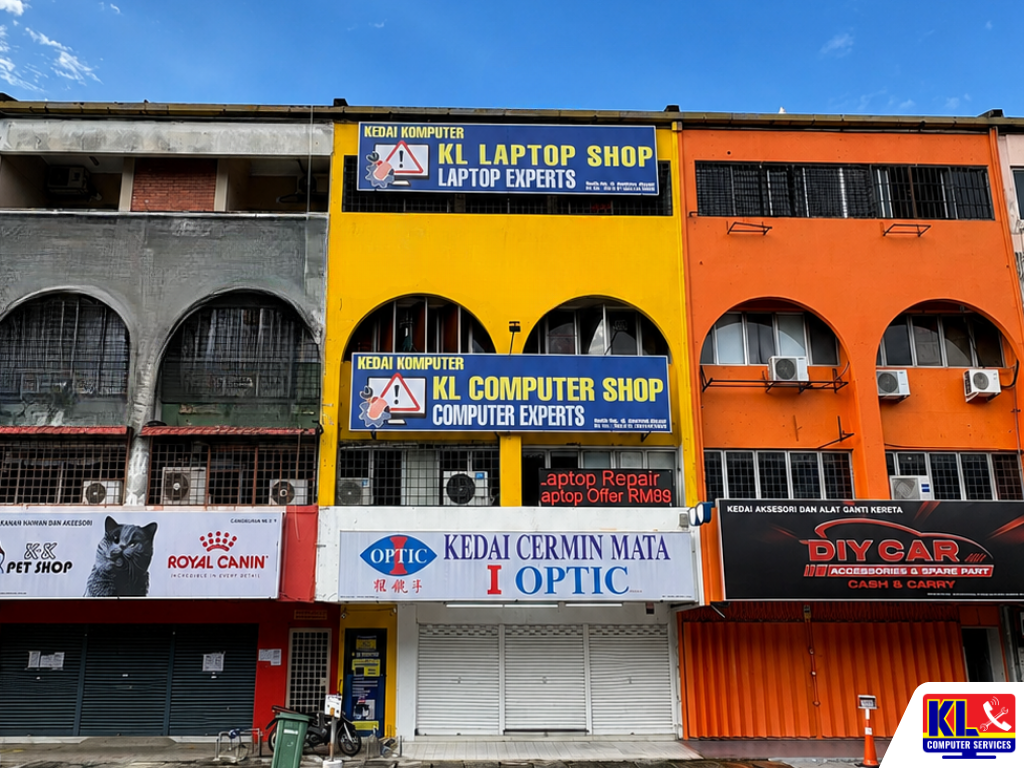
KL Laptop Shop storefront in Kuala Lumpur featuring laptop and computer repair signage on a bright yellow commercial building.
Uncategorized

Office Printer Down? Onsite Repair in KL/Klang Valley

Office Printer Down? Onsite Repair in KL/Klang Valley A jammed printer during a client presentation, a toner error that won’t clear no matter how many times you re-seat the cartridge, or a shared network printer that suddenly stops showing up on anyone’s laptop. When the office printer goes down, work backs up fast, invoices don’t go out, and someone ends up walking to the nearest print shop. Most of these faults don’t need a brand-new machine, they need a technician who can actually see what’s wrong. We send technicians onsite to offices across Kuala Lumpur and the Klang Valley for printer faults that can’t be fixed over the phone. This covers everyday office machines from HP LaserJet and OfficeJet series, Canon imageRunner and PIXMA units, Epson EcoTank and WorkForce printers, Brother HL and MFC series, to shared Fuji Xerox and Ricoh office copiers. If it’s a network printer, a desktop, or laptop causing the issue rather than the printer itself, see our business IT support services for the wider troubleshooting we cover. Searching printer repair KL or office printer technician Klang Valley usually surfaces vague “we fix all printers” listings with no fixed address to check. We’re KL Computer, with four permanent branches across Kuala Lumpur and technicians who go onsite for office call-outs, not just a WhatsApp number. 🖨️ Same-Day Onsite Visits (subject to availability): Tell us the printer brand, model, and what’s happening (error code, paper jam, no network connection) and we’ll advise whether it’s a same-day fix or needs a part. WhatsApp us to book a call-out. 📋 Table of Contents Brands & Models We Service Common Printer Problems We Fix How an Onsite Call-Out Works Areas We Cover Visit or Call a Branch Why Offices Choose Us FAQ Brands & Models We Service We work on the printer and copier brands most KL offices actually use, whether it’s a single desktop unit or a shared multifunction copier on the office floor. •HP — LaserJet Pro, LaserJet Enterprise, OfficeJet Pro series •Canon — imageRunner and imageCLASS copiers, PIXMA and MAXIFY printers •Epson — EcoTank and WorkForce series, L-series ink tank printers •Brother — HL laser series, MFC multifunction printers •Fuji Xerox & Ricoh — shared office copiers and ApeosPort multifunction units Not seeing your model listed? Message us the exact model number and we’ll confirm whether we can source parts for it before you book a visit. Common Printer Problems We Fix These are the call-outs our technicians handle most often across Klang Valley offices. Recurring Paper Jams From a single stuck sheet to jams that keep happening after every few pages, often caused by worn feed rollers or a misaligned tray. Streaky, Faded, or Blank Prints Lines across the page, patchy toner coverage, or pages coming out blank despite a full cartridge, usually a drum, fuser, or printhead issue. Toner/Cartridge Error Codes Chip not recognised, “replace cartridge” warnings with a new cartridge installed, or drum unit errors that won’t clear after a reset. Printer Not Detected on Network Shared office printer that stopped showing up on staff laptops, WiFi printing that keeps dropping, or a new PC that can’t be added to the shared queue. Driver & Spooler Issues Print jobs stuck in the queue, “print spooler service is not running” errors, or a printer working fine on one PC but not another after a Windows update. Not Sure What’s Wrong? Send us a photo of the display panel or error code and we’ll give you an initial read before booking a visit. See our data recovery service if the issue involves a connected PC instead. How an Onsite Call-Out Works 1.Tell Us What’s Happening. Share the printer brand, model, and the error code, sound, or symptom you’re seeing, along with your office location. 2.Call-Out Scheduled. We confirm a visit window and the call-out fee upfront, so there’s no surprise before the technician arrives. 3.Onsite Diagnostic & Quote. The technician inspects the machine at your office and quotes any parts or further repair before proceeding. 4.Repair or Workshop Pickup. Most faults are fixed on the spot. If a part needs to be sourced, the unit can be brought back to the branch and returned once repaired. 5.Test Print Before We Leave. We run test prints and confirm network/WiFi printing is working from staff devices before closing the job. Areas We Cover Around KL & Klang Valley Our four branches let us send technicians onsite across Kuala Lumpur without a long travel delay. If your office isn’t listed below, WhatsApp us your location and we’ll confirm coverage. Setapak Wangsa Maju Cheras Pandan Jaya / Pandan Indah Ampang Kuchai Lama Bangsar Bukit Bintang Visit or Call a Branch Call or WhatsApp any branch to book an onsite visit, or walk in if you’d rather drop the unit off yourself. 📍 Branch KL Computer Services Setapak First Floor, 36-1, Jalan 2/23A, Taman Danau Kota, 53300 Wilayah Persekutuan Kuala Lumpur Mon–Fri: 9am–7.30pm  |  Sat–Sun: 9am–7pm 📞 016-501 1914 📍 Branch KL Laptop Shop Cheras Pandan Jaya First Floor, 34-1A, Jalan Pandan 2/1, Pandan Jaya, 55100 Kuala Lumpur Mon–Fri: 9am–7pm  |  Sat: 10am–7pm  |  Sun: Closed 📞 018-245 1914 📍 Branch KL Computer Shop Ampang Pandan Indah First Floor, 13M Jalan Pandan Indah 4/2 Ampang, 55100 Wilayah Persekutuan Kuala Lumpur Mon–Fri: 9am–7.30pm  |  Sat–Sun: 10am–7pm 📞 018-405 1914 📍 Branch KL Computer Services Jalan Klang Lama First Floor, 2-1 Jalan Indrahana 1, Off Jalan Kuchai Lama, Klang Lama, 58200 Wilayah Persekutuan Kuala Lumpur Mon–Fri: 9am–7.30pm  |  Sat–Sun: 10am–7pm 📞 018-944 1914 Why Offices Choose Us ✓12 Years Fixing Office Equipment. We’ve handled printer call-outs alongside general IT support for Klang Valley offices for over a decade. See our about us page for our background. ✓Quote Before Repair. You know the call-out fee and any parts cost before we start work, not after. ✓Network Printing Handled Properly. Since we also manage office networks day to day, we don’t just clear the paper jam and leave, we make sure shared printing actually
KL Laptop Shop storefront in Kuala Lumpur featuring laptop and computer repair signage on a bright yellow commercial building.
Uncategorized

CCTV Installation for Small Offices in KL — What to Expect

CCTV Installation for Small Offices in KL — What to Expect A break-in over the weekend, a missing item nobody can account for, or a landlord asking for proof of building access before renewing your lease. These are the usual reasons a small office in Kuala Lumpur finally looks into CCTV, often after something has already gone wrong rather than before. Installing cameras properly the first time saves you from redoing cabling and repositioning units later, especially in a rented office where you cannot drill into every wall. Office CCTV is not the same job as installing a camera at a house. Small offices usually need coverage of entry points, the main work floor, a server or store room, and sometimes a reception area, balanced against a limited budget and a landlord’s restrictions on cabling and wall fixtures. At KL Computer, our technicians plan the camera count and placement around how your office is actually used, not a fixed package. Searching CCTV installation KL or office CCTV Cheras mostly turns up installers who quote over the phone without seeing the space, which often leads to blind spots or cabling that was never planned properly. We are one of four permanent KL Computer branches across Kuala Lumpur, and CCTV setup is part of the same B2B IT support work we already do for offices on networking, printers, and computers. See our full range of business IT services for what else we cover. 🎥 Free On-Site Assessment: We visit your office, walk the space with you, and map out camera count and placement before quoting anything. WhatsApp us to book a visit or ask a quick question first. 📋 Table of Contents What Small Offices Need to Plan For Our Installation Process Typical Setup Sizes Areas We Cover Visit or Call a Branch Why Small Offices Choose Us FAQ What Small Offices Need to Plan For Before quoting a single camera, there are a few things that decide how the job actually gets done. ✓Rented vs owned unit. Rented offices usually need surface-mounted trunking instead of concealed wiring, and cameras that can be removed cleanly if you move out. ✓Coverage priorities. Main entrance, reception, server/store room, and the general work floor usually come first; meeting rooms and pantries are optional add-ons. ✓Storage and retention. How many days of footage you need to keep decides the hard drive size in your NVR/DVR, which affects the quote more than the cameras themselves. ✓Remote viewing. Most small offices want to check the feed from a phone while away, which needs a stable internet line and proper network setup, not just the camera itself. ✓Existing network. If your office already has structured cabling or a managed switch, cameras can often ride on that instead of needing separate runs. This is where our network and IT support work ties in directly. Our Installation Process, Step by Step Here’s what happens from the first enquiry to a working system you can check from your phone. 1.Site Assessment. We walk the office with you, note entry points and blind spots, and check what cabling or network infrastructure is already there. 2.Camera Count & Quote. Based on coverage priorities and storage needs, we propose a camera count and NVR/DVR spec, with pricing confirmed before any work starts. 3.Cabling & Mounting. Cameras are positioned and cabled to minimise disruption, with trunking routed neatly for rented units where drilling is limited. 4.Network & App Setup. We connect the system to your network and set up the mobile app so you can view live feeds and recorded footage remotely. 5.Handover & Walkthrough. Before we leave, we show your team how to review footage, export clips, and adjust motion alerts, so no one is stuck figuring it out alone later. Typical Setup Sizes for Small Offices Every office is different, so the table below is a rough guide, not a fixed price. Exact cost depends on camera count, cable run length, and the storage capacity you need. We confirm this after the site assessment. Office Size Typical Coverage Est. Turnaround Small (1–2 rooms) Entrance and main floor, 2–4 cameras Same day Standard Office Floor Entrance, reception, work floor, store room, 4–8 cameras 1 working day* Multi-Room / Multi-Floor Full perimeter plus internal rooms, 8+ cameras with longer cable runs 1–3 working days* *Depends on cabling distance, ceiling type, and whether existing network infrastructure can be used. We’ll confirm exact timing after the site visit. Areas We Cover Around Klang Valley We install for offices across Kuala Lumpur, and our Pandan Jaya branch in particular handles a steady stream of small-office jobs around Cheras and Ampang, where the mix of shoplots and low-rise office units is common. If your area isn’t listed below, WhatsApp us your location and we’ll confirm. Cheras Pandan Jaya Pandan Indah Ampang Setapak Taman Danau Kota Kuchai Lama Bukit Bintang Visit or Call a Branch Speak to any of our four branches to start with a free site assessment. Our Pandan Jaya branch covering Cheras is a good first stop if you’re based in that area. 📍 Branch KL Computer Services Setapak First Floor, 36-1, Jalan 2/23A, Taman Danau Kota, 53300 Wilayah Persekutuan Kuala Lumpur Mon–Fri: 9am–7.30pm  |  Sat–Sun: 9am–7pm 📞 016-501 1914 📍 Branch — Cheras Area KL Laptop Shop Cheras Pandan Jaya First Floor, 34-1A, Jalan Pandan 2/1, Pandan Jaya, 55100 Kuala Lumpur Mon–Fri: 9am–7pm  |  Sat: 10am–7pm  |  Sun: Closed 📞 018-245 1914 📍 Branch KL Computer Shop Ampang Pandan Indah First Floor, 13M Jalan Pandan Indah 4/2 Ampang, 55100 Wilayah Persekutuan Kuala Lumpur Mon–Fri: 9am–7.30pm  |  Sat–Sun: 10am–7pm 📞 018-405 1914 📍 Branch KL Computer Services Jalan Klang Lama First Floor, 2-1 Jalan Indrahana 1, Off Jalan Kuchai Lama, Klang Lama, 58200 Wilayah Persekutuan Kuala Lumpur Mon–Fri: 9am–7.30pm  |  Sat–Sun: 10am–7pm 📞 018-944 1914 Why Small Offices Choose Us ✓12 Years in the Industry. We’ve supported small and growing businesses across Kuala Lumpur since long before CCTV became a standard office request. See our about us

KL Laptop Shop storefront in Kuala Lumpur featuring laptop and computer repair signage on a bright yellow commercial building.
Uncategorized

MacBook Repair in Cheras/Pandan Jaya — Screen, Battery & Keyboard Fixes

MacBook Repair in Cheras/Pandan Jaya — Screen, Battery & Keyboard Fixes A cracked MacBook screen, a battery that drains in under an hour, or keys that stopped registering mid-typing. These are the three complaints we hear most often at our Pandan Jaya branch, and they rarely get better on their own. Waiting usually means a small fix turns into a bigger one, especially with liquid-damaged keyboards or a battery that has started to swell. MacBook repair is not the same as general laptop repair. Apple’s unibody construction, glued battery cells, and proprietary screen assemblies mean the wrong tools or a rushed job can turn a simple screen swap into a much costlier problem. Our technicians at KL Laptop Shop Cheras Pandan Jaya work on MacBooks regularly and know where the common failure points are on each model. Searching MacBook repair Cheras or MacBook screen repair Pandan Jaya mostly turns up mall kiosks with no fixed address or reviews you can actually verify. Our Pandan Jaya branch is a permanent, walk-in location, one of four KL Computer branches across Kuala Lumpur, with 1,200+ verified Google reviews across the group. If your MacBook won’t turn on at all, see our article on what to check before sending it in for repair, or browse our full laptop repair services page for other common issues. 🍎 Walk-In Diagnostic Available: Bring your MacBook to our Pandan Jaya branch for an on-the-spot RM65 diagnostic. Our technicians will check the screen, battery, and keyboard and give you a clear quote before any repair work begins. WhatsApp us first if you’d like to confirm parts availability. Common MacBook Problems We Fix These are the three repairs our Pandan Jaya branch handles most, though we also work on trackpads, charging ports, and speakers. Cracked or Flickering Screen From hairline cracks to full display replacement, including screens with backlight bleed, dead pixels, or vertical lines after a knock or drop. Battery Draining Fast or Swollen Sudden shutdowns, a trackpad that’s started lifting, or battery health warnings in System Settings. Swollen batteries are handled with extra care and replaced quickly. Sticky, Unresponsive or Spilled-On Keyboard Keys that double-type, don’t register at all, or stopped working after a coffee spill. We clean, repair, or replace the keyboard assembly depending on the damage. Not Sure What’s Wrong? Bring it in for a RM65 diagnostic and we’ll pinpoint the issue before quoting, whether it’s the screen, battery, keyboard, or something else. See our data recovery service if your MacBook won’t boot. Our Repair Process, Step by Step Here’s what happens from the moment you walk in with your MacBook to getting it back in your hands. 1.Diagnostic Check (RM60). We inspect the screen, battery, and keyboard, run diagnostics, and identify the root cause rather than just treating the symptom. 2.Upfront Quote. You’ll get a clear price before we touch anything further. No surprise charges once the repair starts. 3.Repair Work. Screen, battery, or keyboard assembly is replaced using parts matched to your MacBook model. 4.Testing Before Handover. We test display quality, battery charge cycles, and every key before calling you to collect. Repair Type Est. Turnaround Diagnostic Check Same day Screen Replacement 1–3 working days* Battery Replacement Same day – 2 working days* Keyboard Cleaning / Repair Same day – 1 working day Keyboard Assembly / Top Case Replacement 2–4 working days* *Depends on parts availability for your specific MacBook model. We’ll confirm exact timing after the diagnostic. Areas We Cover Around Cheras & Pandan Jaya Our Pandan Jaya branch is easy to reach for customers across the wider Cheras and Ampang area. If your area isn’t listed below, WhatsApp us your postcode and we’ll confirm. Pandan Jaya Cheras Pandan Indah Ampang Taman Connaught Cheras Batu 9-11 Bukit Bintang Salak Selatan Visit Our Pandan Jaya Branch Walk-ins are welcome during operating hours. No appointment needed for a diagnostic check. 📍 Branch KL Laptop Shop Cheras Pandan Jaya First Floor, 34-1A, Jalan Pandan 2/1, Pandan Jaya, 55100 KL Mon–Fri: 9am–7pm  |  Sat: 10am–7pm  |  Sun: Closed 📞 018-245 1914 Why Cheras & Pandan Jaya Customers Choose Us ✓Diagnostic Before Repair. We check the actual cause first for RM60, so you’re not paying to guess. See our about us page for more on how we work. ✓Experienced, Trained Technicians. Our team regularly works on MacBooks across all four branches, not just occasional walk-ins. ✓Fixed, Walk-In Location. Not a mall kiosk or a courier drop-off. Bring your MacBook in and speak to a technician directly. ✓1,200+ Verified Google Reviews. Feedback from real customers across our branches. See our trusted IT support company profile. ✓More Than Just MacBooks. We also handle desktop repair, data recovery, and phone repair through our sister brand klmobile.my. Frequently Asked Questions Have more questions? Visit our dedicated FAQ page, or see our related service on laptop repair. Do you use genuine Apple parts? ▾ We source high-quality compatible and OEM-grade parts suited to your specific MacBook model. Our technicians will explain the part options available for your repair and the price difference before any work begins. My MacBook battery is swollen. Is it safe to bring in? ▾ Yes, but stop using it and avoid pressing down on the trackpad or case, as this can rupture the cells. Bring it in as soon as you can so we can remove and replace the battery safely. I spilled water/coffee on my keyboard. What should I do first? ▾ Power it off immediately, do not try to turn it back on, and avoid tilting it upside down to drain liquid, since this can spread it further inside. Bring it in as soon as possible for a diagnostic. The sooner it’s checked, the better the chances of avoiding logic board damage. Will my data be safe during a screen or battery repair? ▾ Screen and battery repairs don’t normally involve touching the storage drive, so your data is untouched. We still recommend backing up beforehand as good practice. If your MacBook won’t boot, see our

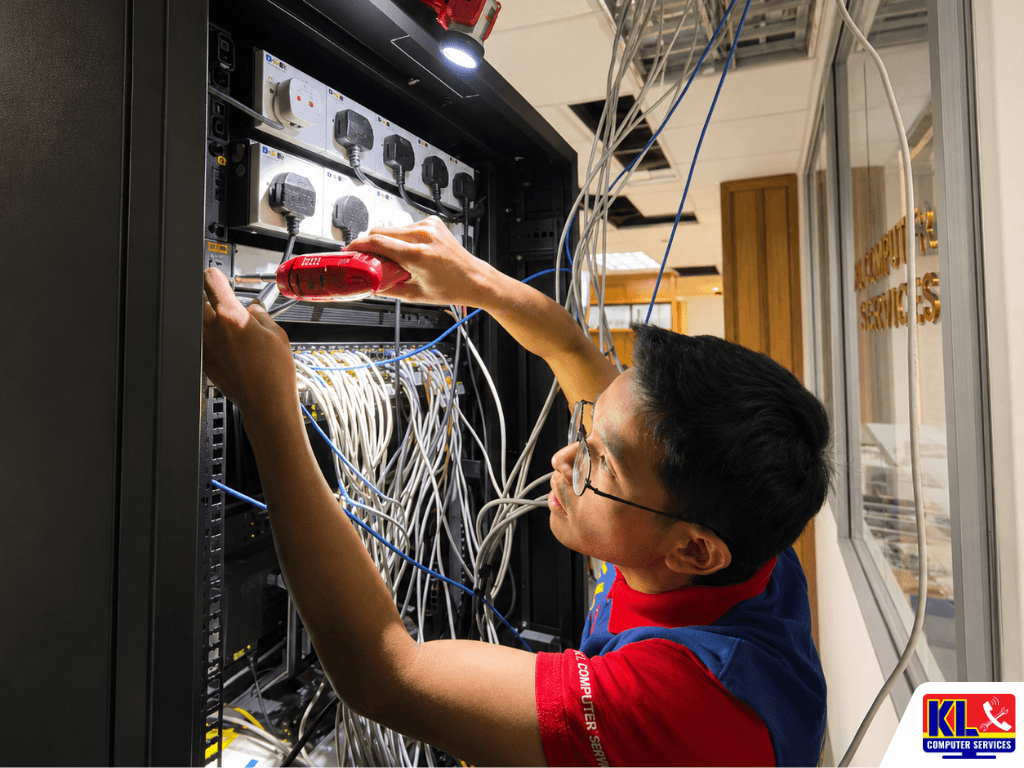
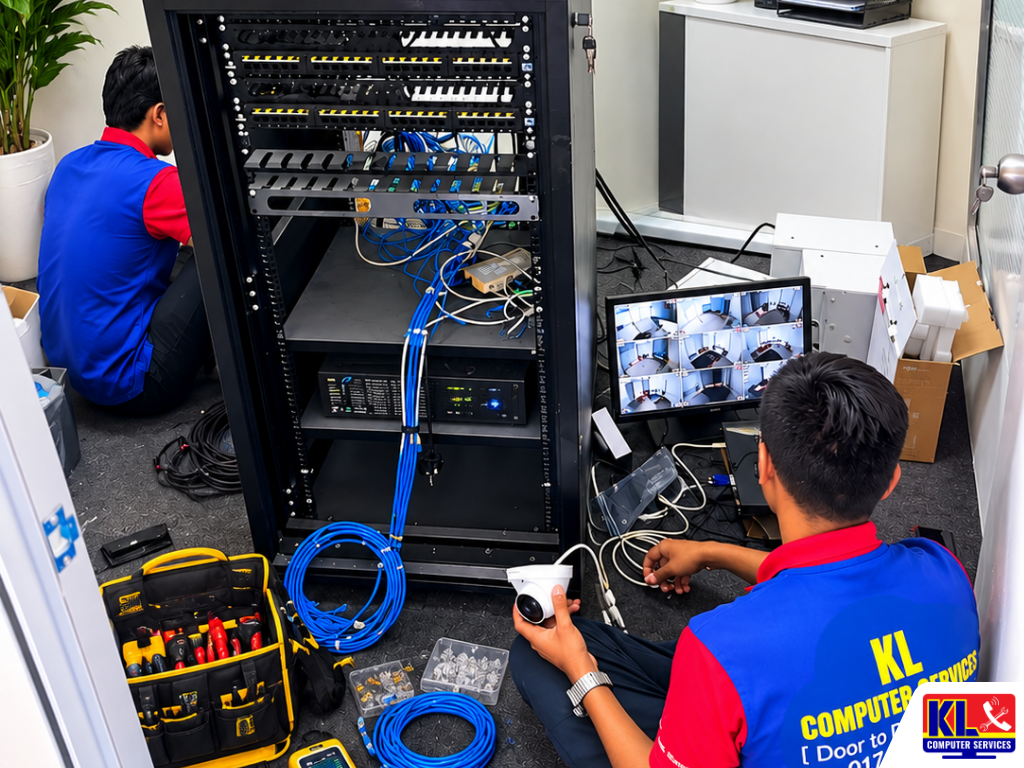
KL Computer Services technicians performing onsite IT support, CCTV setup, network cabling, and server rack maintenance at a client office.
Uncategorized

Benefits of Having a Reliable Onsite IT Support Partner

Benefits of Having a Reliable Onsite IT Support Partner Most small and mid-sized offices in KL don’t have a full-time IT department. Someone in accounts ends up restarting the printer, the most tech-savvy staff member becomes the unofficial helpdesk, and when something actually breaks, it’s a scramble to find a technician who can come the same day. It works, until the day it really doesn’t. A reliable onsite IT support partner changes that equation. Instead of calling around every time something goes wrong, you have one company that already knows your setup, your network, and your systems, and can respond quickly because they’re not starting from zero. KL Computer Sdn. Bhd. has supported offices across Kuala Lumpur this way since 2012. Searching onsite IT support KL or IT support company for SME mostly turns up freelancers or one-off callout services with no real accountability once the invoice is paid. A proper support partner is different, and the value shows up most clearly the first time something breaks at the worst possible moment. If you’re setting up a new office network from scratch, see our article on network infrastructure installation and configuration, or browse our guide to office IT setup for SMEs. 🤝 Not Sure What Level of Support You Need? Whether it’s occasional on-call support or a fuller managed IT arrangement, our team can assess your office setup and recommend what actually fits. Contact us on WhatsApp to talk through your situation. Key Benefits of an Onsite IT Partner A support partnership pays off in ways that aren’t always obvious until you compare it against handling IT ad-hoc. Faster Response When It Matters A partner who already knows your network can diagnose and act faster than a technician starting from scratch, which means less downtime for your team. Fewer Surprise Breakdowns Regular check-ins catch failing hardware and outdated systems before they turn into a full outage, instead of only fixing things after they’ve already broken. More Predictable Costs Ongoing support arrangements make IT spending easier to plan for, rather than facing large, unplanned repair bills whenever something fails. One Point of Contact No more juggling different vendors for network, hardware, and backups. One team who already understands how everything connects. See our managed IT services. Reactive Callouts vs an Ongoing Partner Here’s how the two approaches actually compare for a typical KL office. Factor One-Off Callout Ongoing Support Partner Response time Depends who’s available Faster, technician already knows your setup Problem detection Only after something fails Issues often caught during regular check-ins Documentation Often none, or lost between vendors Kept on file, so nothing depends on memory Cost pattern Unpredictable, spikes when things break More even, easier to budget for Accountability Different technician each time One registered company you can hold accountable What Working With Us Looks Like Support arrangements are tailored to how your office actually operates, not a fixed package forced onto every client. 1.Initial Assessment. We review your current network, hardware, and pain points to understand what support actually makes sense for your office. 2.Agreed Support Scope. Whether it’s scheduled check-ins, on-call response, or fuller managed IT, we set clear terms before anything starts. 3.Ongoing Support. Regular check-ins plus responsive support when issues come up, from a team that already knows your systems. 4.Documented, Reviewed Regularly. Network changes, hardware updates, and past issues are kept on file, and the arrangement is reviewed as your office grows. Areas We Cover in KL & Selangor Our technicians provide on-site IT support across Kuala Lumpur and Selangor. See our full service location coverage map. If your area is not listed below, WhatsApp us your postcode and we will confirm availability straight away. Setapak Wangsa Maju Cheras Pandan Jaya Ampang Pandan Indah Jalan Klang Lama Kuchai Lama Bukit Jalil Sri Petaling Kepong Jalan Ipoh Mont Kiara Bangsar KL City Centre Petaling Jaya Subang Jaya Shah Alam Puchong Sunway Our Branches Prefer to talk it through in person? All four KL Computer branches accept walk-ins during operating hours for IT support consultations. You can also reach us online to arrange an on-site visit to your office instead. 🏢 HQ KL Computer Setapak First Floor, 36-1, Jalan 2/23a, Taman Danau Kota, 53300 KL Mon–Fri: 9am–7.30pm  |  Sat–Sun: 9am–7pm 📞 017-550 1914 📍 Branch KL Computer Jalan Klang Lama First Floor, 2-1, Jalan Indrahana 1, Off Jalan Kuchai Lama, 58200 KL Mon–Fri: 9am–7.30pm  |  Sat–Sun: 10am–7pm 📞 018-944 1914 📍 Branch KL Laptop Shop Cheras Pandan Jaya First Floor, 34-1A, Jalan Pandan 2/1, Pandan Jaya, 55100 KL Mon–Fri: 9am–7pm  |  Sat: 10am–7pm  |  Sun: Closed 📞 018-245 1914 📍 Branch KL Computer Shop Ampang Pandan Indah First Floor, 13M, Jalan Pandan Indah 4/2, Ampang, 55100 KL Mon–Fri: 9am–7.30pm  |  Sat–Sun: 10am–7pm 📞 018-405 1914 Why KL Businesses Choose Us as Their IT Partner ✓Established Since 2012. Over 13 years supporting offices across Kuala Lumpur. Learn more about our company. ✓1,200+ Google Reviews. Verified feedback from real customers across all four branches. See our trusted IT support company profile. ✓Registered Sdn. Bhd., Full Accountability. KL Computer Sdn. Bhd. (Reg: 1597032-M), fully registered and corporate-compliant. You’re dealing with a real, verifiable business, not an anonymous freelancer. ✓Support Scoped to Your Office. No forced packages. We assess your setup first and recommend a support level that actually fits. ✓Fixed Locations, Not Freelance. Four permanent KL branches means there’s always someone to reach for a follow-up. See our service location map. ✓Full IT Under One Roof. Beyond ongoing support, we also handle network and WiFi setup, laptop repair, and cloud backup & data recovery. Frequently Asked Questions Have more questions? Visit our dedicated FAQ page, or see our related service on managed IT services. We’re a small office, only 5-6 staff. Is an IT partner overkill for us? ▾ Not necessarily. Smaller offices often benefit the most, since a single outage can affect a much larger share of the team. Support doesn’t have to mean a full managed contract, even scheduled check-ins with on-call response can cover

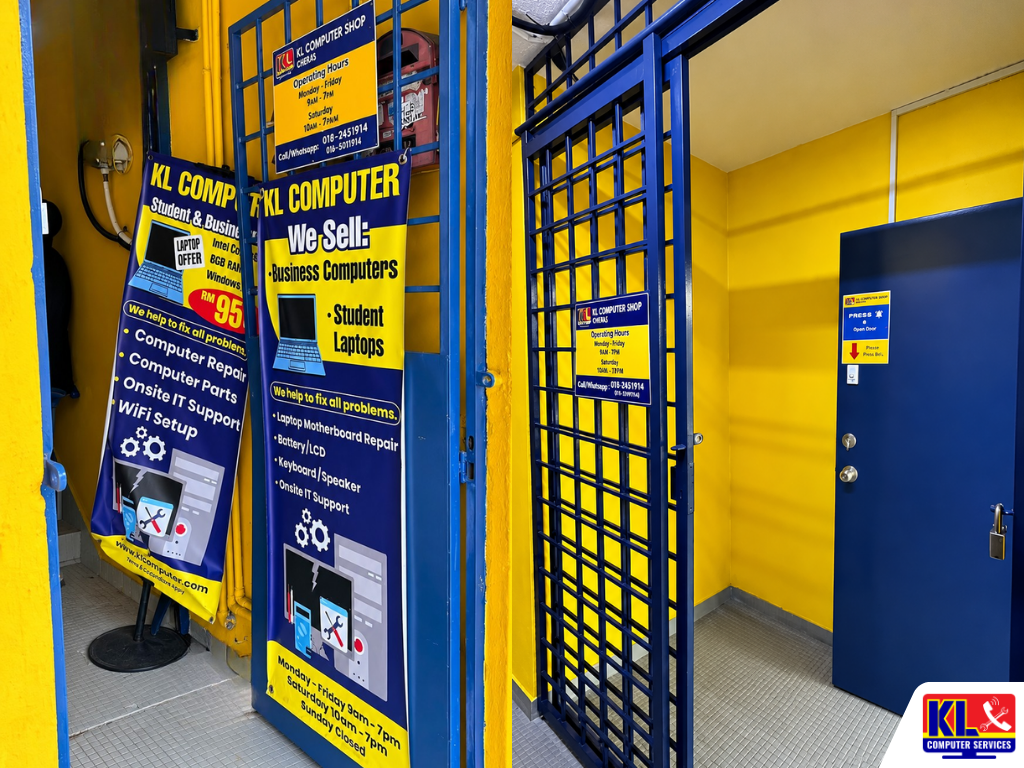
Entrance of KL Computer Shop Cheras branch featuring blue security gates, service banners advertising laptop and computer repair services, and a customer access door inside a bright yellow corridor.
Uncategorized

Emergency Laptop Repair Services in Cheras

Emergency Laptop Repair Services in Cheras A laptop that dies the night before a submission, a screen that goes black mid-presentation, or a work machine that suddenly won’t boot on a Monday morning. These don’t happen on a convenient schedule, and waiting a week for a repair slot isn’t always an option when a deadline, a client meeting, or a full day’s work is sitting on that machine. “Emergency repair” doesn’t mean skipping steps. It means getting your laptop looked at the same day, being upfront about what’s actually possible in that timeframe, and prioritising the fix that gets you working again first, with anything cosmetic handled after. Our technicians at KL Laptop Shop Cheras Pandan Jaya treat urgent walk-ins as urgent, not queued behind everything else. Searching urgent laptop repair Cheras or same day laptop repair Pandan Jaya mostly turns up shops that can’t actually confirm same-day turnaround until you’re already there. Our Pandan Jaya branch is a permanent, walk-in location, one of four KL Computer branches across Kuala Lumpur, with 1,200+ verified Google reviews across the group. If your specific issue is a cracked screen, failing battery, or keyboard problem, see our article on MacBook screen, battery and keyboard repair, or browse our full laptop repair services page for other common issues. 🚨 Need It Fixed Today? Walk in to our Pandan Jaya branch with your laptop, no appointment needed. We’ll run a same-day diagnostic (RM60) and let you know honestly whether same-day repair is realistic before you commit. WhatsApp us first to check part availability for your model. What Counts as a Laptop Emergency These are the situations our Pandan Jaya branch treats as priority walk-ins. Won’t Turn On Before a Deadline Dead on arrival with a submission, client call, or exam due today. We prioritise diagnosing the fault first so you know what you’re actually dealing with. Liquid Spill, Just Happened Water, coffee, or any liquid on the keyboard. The first hour matters most here, so this jumps the queue over non-urgent repairs. Business Laptop Down A staff laptop that’s stopped working mid-workday. We know downtime costs more than the repair itself, so we move fast on business machines. Crashing, Blue Screen, or Won’t Boot Repeated crashes or a boot loop right when you need the machine most. See our data recovery service if files are at risk. How Emergency Repair Works Here No separate “emergency queue” gimmick, just a straightforward process that moves as fast as the actual repair allows. 1.Tell Us It’s Urgent. Let the technician know when you walk in, or WhatsApp ahead, so we can check part availability before you arrive. 2.Same-Day Diagnostic (RM60). We identify the actual fault and give you an honest answer on whether same-day repair is possible. 3.Upfront Quote, Then Repair. If the part is in stock, we get started right away. If not, we’ll tell you a realistic timeline instead of an optimistic one. 4.Tested Before You Leave. We check the fix actually holds under normal use before handing it back, not just that it powers on. Issue Est. Turnaround Diagnostic Check Same day Won’t Turn On / Power Fault Same day – 2 working days* Liquid Damage Cleanup Same day – 3 working days* Screen / Battery / Keyboard Swap Same day – 3 working days* Crash / Boot Loop Diagnosis Same day *Depends on parts availability for your specific model. We’ll confirm exact timing after the diagnostic, and same-day repair applies whenever the required part is already in stock. Areas We Cover Around Cheras & Pandan Jaya Our Pandan Jaya branch is easy to reach for urgent walk-ins across the wider Cheras and Ampang area. If your area isn’t listed below, WhatsApp us your postcode and we’ll confirm. Pandan Jaya Cheras Pandan Indah Ampang Taman Connaught Cheras Batu 9-11 Bukit Bintang Salak Selatan Visit Our Pandan Jaya Branch Walk-ins are welcome during operating hours. No appointment needed, and the earlier in the day you arrive, the better your chance of same-day turnaround. 📍 Branch KL Laptop Shop Cheras Pandan Jaya First Floor, 34-1A, Jalan Pandan 2/1, Pandan Jaya, 55100 KL Mon–Fri: 9am–7pm  |  Sat: 10am–7pm  |  Sun: Closed 📞 018-245 1914 Why Cheras & Pandan Jaya Customers Choose Us for Urgent Repairs ✓Honest Timelines, Not Optimistic Ones. If same-day isn’t realistic for your model, we’ll say so upfront rather than after you’ve waited around. See our about us page for more on how we work. ✓Walk-In Priority for Urgent Cases. Tell us it’s urgent and we’ll diagnose it first, ahead of routine servicing where possible. ✓Fixed, Walk-In Location. Not a courier drop-off with a multi-day wait just to hear back. Bring it in and talk to a technician directly. ✓1,200+ Verified Google Reviews. Feedback from real customers across our branches. See our trusted IT support company profile. ✓Full IT Under One Roof. Beyond emergency repairs, we also handle desktop repair, data recovery, and phone repair through our sister brand klmobile.my. Frequently Asked Questions Have more questions? Visit our dedicated FAQ page, or see our related service on laptop repair. Can you guarantee same-day repair? ▾ We can’t guarantee it for every case since it depends on whether the required part is already in stock, but many common repairs, like keyboard cleaning, power faults, and diagnostics, are typically completed same day. We’ll tell you honestly during the diagnostic whether your specific repair qualifies. Should I call ahead before rushing over? ▾ A quick WhatsApp message with your laptop model and the issue helps us check part availability before you arrive, which saves you a wasted trip if a part needs ordering. You’re still welcome to walk in directly without messaging first. My laptop just had liquid spilled on it. What should I do before I arrive? ▾ Power it off immediately and don’t try turning it back on to check if it still works, as this can cause a short. Don’t tilt or shake it to drain the liquid either. Bring it in as soon

Network infrastructure installation and configuration service by KL Computer Services, including LAN cabling, router setup, switch configuration, and office network deployment in Kuala Lumpur.
Uncategorized

Professional Network Infrastructure Installation & Configuration Setup for KL Offices

Professional Network Infrastructure Installation & Configuration Setup for KL Offices — One Cable Run at a Time A new office, a growing headcount, or a shifted floor plan usually means the network gets stretched thin. Cables run wherever they can, one router tries to cover a space it was never meant for, and switches get added without a real plan behind them. It works, until it does not, usually right when everyone needs it most. Proper network infrastructure is not just plugging in a router and calling it done. It covers structured cabling, switch and access point placement, VLAN segmentation where needed, firewall and router configuration, and documentation so the next person working on the network is not guessing. Skip any of these steps and the network holds up until the office grows or a device fails, then the troubleshooting starts from zero. Searching network installation company KL or office network setup Kuala Lumpur mostly turns up general handyman listings or one-time freelancers with no fixed address. KL Computer Sdn. Bhd. has been installing and configuring office networks across Kuala Lumpur since 2012. Four permanent branches. 1,200+ verified Google reviews. One accountable, registered company. If your immediate issue is a network that already exists but is not performing well, see our article on why your office WiFi might be slow, or browse our guide to office IT setup for SMEs for planning a new space from scratch. 🔧 Site Assessment Available: For new office fit-outs or existing network upgrades across Kuala Lumpur and Selangor, our technicians can visit on-site to assess the space before any work begins. Contact us on WhatsApp with your floor size and requirements to arrange a visit. Our Installation Process, Step by Step Here is how a typical network infrastructure project runs, from first site visit to handover. Each stage is planned before the next begins, so cabling, hardware, and configuration all line up with how the office actually works. Step 1: Site Assessment & Cabling Plan We walk the floor plan, note where staff, printers, and workstations sit, and map out cable runs and access point placement before any drilling or wiring starts. Step 2: Structured Cabling Installation Cable runs, trunking, and patch points are installed and labelled so every port can be traced back to its switch without guesswork later on. Step 3: Switch, Router & Firewall Configuration Switches, routers, and access points are configured with VLANs, guest network separation, and firewall rules suited to how the office is actually used. Step 4: Testing & Documentation Handover Every port and access point is tested under load before handover, along with a simple network map so your team knows what connects where. See our managed IT services. Service Type Est. Turnaround Site Assessment & Network Audit Same day Router & Switch Configuration Same day – 1 working day WiFi Access Point Setup & Coverage Tuning 1–2 working days Structured Cabling Installation 2–5 working days Full Office Network Installation 3–5 working days Special Order / Replacement Equipment 2–4 working days Areas We Cover in KL & Selangor Our network technicians provide on-site IT support across Kuala Lumpur and Selangor. See our full service location coverage map. If your area is not listed below, WhatsApp us your postcode and we will confirm availability straight away. Setapak Wangsa Maju Cheras Pandan Jaya Ampang Pandan Indah Jalan Klang Lama Kuchai Lama Bukit Jalil Sri Petaling Kepong Jalan Ipoh Mont Kiara Bangsar KL City Centre Petaling Jaya Subang Jaya Shah Alam Puchong Sunway Visit Our Branches Prefer to walk in? All four KL Computer branches accept walk-ins during operating hours for network consultations and IT support. You can also reach us online to arrange an on-site visit to your office. 🏢 HQ KL Computer Setapak First Floor, 36-1, Jalan 2/23a, Taman Danau Kota, 53300 KL Mon–Fri: 9am–7.30pm  |  Sat–Sun: 9am–7pm 📞 017-550 1914 📍 Branch KL Computer Jalan Klang Lama First Floor, 2-1, Jalan Indrahana 1, Off Jalan Kuchai Lama, 58200 KL Mon–Fri: 9am–7.30pm  |  Sat–Sun: 10am–7pm 📞 018-944 1914 📍 Branch KL Computer Cheras Pandan Jaya First Floor, 34-1A, Jalan Pandan 2/1, Pandan Jaya, 55100 KL Mon–Fri: 9am–7pm  |  Sat: 10am–7pm  |  Sun: Closed 📞 018-245 1914 📍 Branch KL Computer Ampang Pandan Indah First Floor, 13M, Jalan Pandan Indah 4/2, Ampang, 55100 KL Mon–Fri: 9am–7.30pm  |  Sat–Sun: 10am–7pm 📞 018-405 1914 Why KL Businesses Choose KL Computer for Network Infrastructure ✓Established Since 2012. Over 13 years installing and configuring office networks across Kuala Lumpur. Learn more about our company. ✓1,200+ Google Reviews. Verified feedback from real customers across all four branches. See our trusted IT support company profile. ✓Registered Sdn. Bhd., Full Accountability. KL Computer Sdn. Bhd. (Reg: 1597032-M), fully registered, insured, and corporate-compliant. You are dealing with a real, verifiable business, not an anonymous individual. ✓Planned Before It Is Wired. Cabling routes, switch placement, and VLAN structure are mapped out before any installation work starts, so the network is built to fit the office instead of the other way around. ✓Fixed Locations, Not Freelance. Four permanent KL branches means there is always someone to reach if you have a follow-up issue. See our service location map and our workshop gallery. ✓Documented Handover. Every project ends with a labelled cable map and configuration notes, so your team is never left guessing what connects where. ✓Full IT Under One Roof. Beyond network installation, we also handle laptop repair, desktop repair, cloud backup & data recovery, and full managed IT services for SMEs. Frequently Asked Questions Have more questions? Visit our dedicated FAQ page for more answers, or see our related service on network and WiFi setup. We are moving to a new office. Can you set up the entire network from scratch? ▾ Yes. We handle the full process from site assessment and cabling through to switch and router configuration and final testing. See our full office IT setup service or contact us with your floor plan and headcount. What is structured cabling and do we actually need

Scroll to Top