

CCTV Installation for Small Offices in KL — What to Expect
A break-in over the weekend, a missing item nobody can account for, or a landlord asking for proof of building access before renewing your lease. These are the usual reasons a small office in Kuala Lumpur finally looks into CCTV, often after something has already gone wrong rather than before. Installing cameras properly the first time saves you from redoing cabling and repositioning units later, especially in a rented office where you cannot drill into every wall.
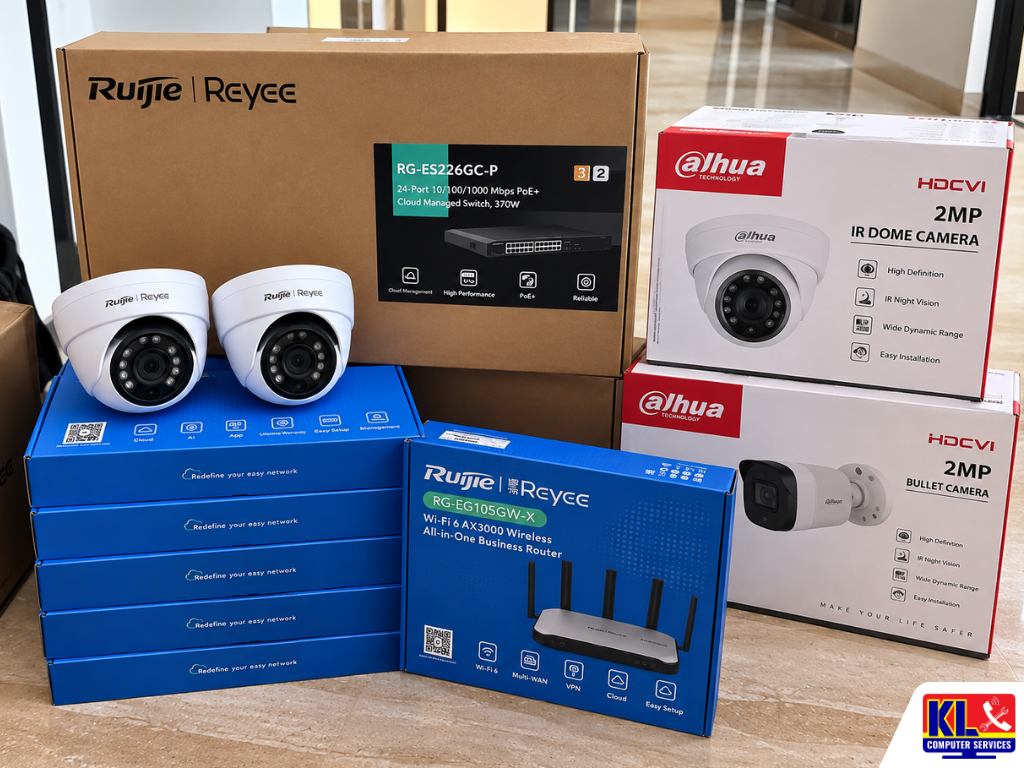
Office CCTV is not the same job as installing a camera at a house. Small offices usually need coverage of entry points, the main work floor, a server or store room, and sometimes a reception area, balanced against a limited budget and a landlord's restrictions on cabling and wall fixtures. At KL Computer, our technicians plan the camera count and placement around how your office is actually used, not a fixed package.
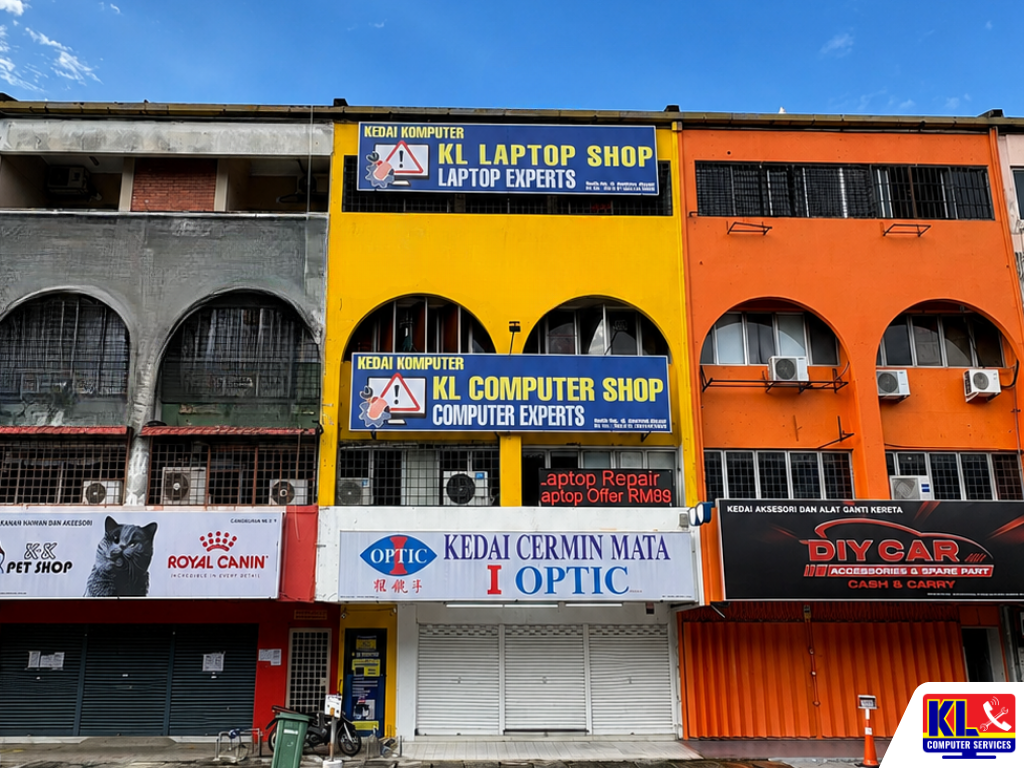
Searching CCTV installation KL or office CCTV Cheras mostly turns up installers who quote over the phone without seeing the space, which often leads to blind spots or cabling that was never planned properly. We are one of four permanent KL Computer branches across Kuala Lumpur, and CCTV setup is part of the same B2B IT support work we already do for offices on networking, printers, and computers. See our full range of business IT services for what else we cover.
🎥 Free On-Site Assessment: We visit your office, walk the space with you, and map out camera count and placement before quoting anything. WhatsApp us to book a visit or ask a quick question first.
What Small Offices Need to Plan For
Before quoting a single camera, there are a few things that decide how the job actually gets done.
- ✓Rented vs owned unit. Rented offices usually need surface-mounted trunking instead of concealed wiring, and cameras that can be removed cleanly if you move out.
- ✓Coverage priorities. Main entrance, reception, server/store room, and the general work floor usually come first; meeting rooms and pantries are optional add-ons.
- ✓Storage and retention. How many days of footage you need to keep decides the hard drive size in your NVR/DVR, which affects the quote more than the cameras themselves.
- ✓Remote viewing. Most small offices want to check the feed from a phone while away, which needs a stable internet line and proper network setup, not just the camera itself.
- ✓Existing network. If your office already has structured cabling or a managed switch, cameras can often ride on that instead of needing separate runs. This is where our network and IT support work ties in directly.
Our Installation Process, Step by Step
Here's what happens from the first enquiry to a working system you can check from your phone.
- 1.Site Assessment. We walk the office with you, note entry points and blind spots, and check what cabling or network infrastructure is already there.
- 2.Camera Count & Quote. Based on coverage priorities and storage needs, we propose a camera count and NVR/DVR spec, with pricing confirmed before any work starts.
- 3.Cabling & Mounting. Cameras are positioned and cabled to minimise disruption, with trunking routed neatly for rented units where drilling is limited.
- 4.Network & App Setup. We connect the system to your network and set up the mobile app so you can view live feeds and recorded footage remotely.
- 5.Handover & Walkthrough. Before we leave, we show your team how to review footage, export clips, and adjust motion alerts, so no one is stuck figuring it out alone later.
Typical Setup Sizes for Small Offices
Every office is different, so the table below is a rough guide, not a fixed price. Exact cost depends on camera count, cable run length, and the storage capacity you need. We confirm this after the site assessment.
| Office Size | Typical Coverage | Est. Turnaround |
|---|---|---|
| Small (1–2 rooms) | Entrance and main floor, 2–4 cameras | Same day |
| Standard Office Floor | Entrance, reception, work floor, store room, 4–8 cameras | 1 working day* |
| Multi-Room / Multi-Floor | Full perimeter plus internal rooms, 8+ cameras with longer cable runs | 1–3 working days* |
*Depends on cabling distance, ceiling type, and whether existing network infrastructure can be used. We'll confirm exact timing after the site visit.
Areas We Cover Around Klang Valley
We install for offices across Kuala Lumpur, and our Pandan Jaya branch in particular handles a steady stream of small-office jobs around Cheras and Ampang, where the mix of shoplots and low-rise office units is common. If your area isn't listed below, WhatsApp us your location and we'll confirm.
Cheras
Pandan Jaya
Pandan Indah
Ampang
Setapak
Taman Danau Kota
Kuchai Lama
Bukit Bintang
Visit or Call a Branch
Speak to any of our four branches to start with a free site assessment. Our Pandan Jaya branch covering Cheras is a good first stop if you're based in that area.
📍 Branch
KL Computer Services Setapak
First Floor, 36-1, Jalan 2/23A, Taman Danau Kota, 53300 Wilayah Persekutuan Kuala Lumpur
Mon–Fri: 9am–7.30pm | Sat–Sun: 9am–7pm
📞 016-501 1914
📍 Branch — Cheras Area
KL Laptop Shop Cheras Pandan Jaya
First Floor, 34-1A, Jalan Pandan 2/1, Pandan Jaya, 55100 Kuala Lumpur
Mon–Fri: 9am–7pm | Sat: 10am–7pm | Sun: Closed
📞 018-245 1914
📍 Branch
KL Computer Shop Ampang Pandan Indah
First Floor, 13M Jalan Pandan Indah 4/2 Ampang, 55100 Wilayah Persekutuan Kuala Lumpur
Mon–Fri: 9am–7.30pm | Sat–Sun: 10am–7pm
📞 018-405 1914
📍 Branch
KL Computer Services Jalan Klang Lama
First Floor, 2-1 Jalan Indrahana 1, Off Jalan Kuchai Lama, Klang Lama, 58200 Wilayah Persekutuan Kuala Lumpur
Mon–Fri: 9am–7.30pm | Sat–Sun: 10am–7pm
📞 018-944 1914Why Small Offices Choose Us
- ✓12 Years in the Industry. We've supported small and growing businesses across Kuala Lumpur since long before CCTV became a standard office request. See our about us page for our background.
- ✓Site Assessment Before Quoting. We see the space first, so the quote reflects what your office actually needs instead of a generic package.
- ✓Network Knowledge, Not Just Cameras. Because we also handle office networking day to day, we set up remote viewing properly instead of leaving it to guesswork.
- ✓Fixed, Walk-In Branches. Four permanent locations across KL with 1,200+ verified Google reviews, not a one-man operation you can only reach by phone.
- ✓Ongoing Support. If a camera goes offline or storage fills up later, the same branch that installed your system can service it. We also handle laptop repair and data recovery if your office needs those too.
Frequently Asked Questions
Have more questions? Visit our dedicated FAQ page, or see our related business IT services.
How many cameras does a small office actually need? ▾
Most small offices cover the entrance, main work floor, and any store or server room, which usually means 4 to 8 cameras. The exact number depends on your layout, which is why we assess the space before quoting rather than selling a fixed package.
Can you install without drilling into the walls? We're renting the office. ▾
Yes. For rented units we typically use surface-mounted trunking and minimal fixings, so cameras and cabling can be removed cleanly if you relocate. Let us know during the site visit if this is a requirement.
Can I view the cameras from my phone when I'm not in the office? ▾
Yes, this is standard for most systems we install. We set up the mobile app during handover and walk your team through checking live feeds, reviewing past footage, and adjusting motion alerts.
How long is footage stored before it gets overwritten? ▾
This depends on the hard drive size in your NVR/DVR and how many cameras are recording continuously. We size the storage to your needs during the site assessment, whether that's a week or several weeks of footage.
Do you handle repairs if a camera stops working later? ▾
Yes, reach out to the branch that handled your installation and we'll assess whether it's a cabling, power, or unit issue. If you're near Cheras or Ampang, our Pandan Jaya branch can usually attend the same week.
📞 Call / WhatsApp (Setapak HQ): 016-501 1914
📞 Call / WhatsApp (Cheras/Pandan Jaya): 018-245 1914
📍 Four branches across Kuala Lumpur: Setapak, Cheras (Pandan Jaya), Ampang (Pandan Indah), and Kuchai Lama
🕒 Mon–Sat, hours vary by branch, see individual branch cards above
Table Of Content
Featured Services
Talk To Us
Got an IT issue? Skip the form — just WhatsApp us directly. Describe your problem and we'll get back to you fast.
WhatsApp Us NowRecent Post